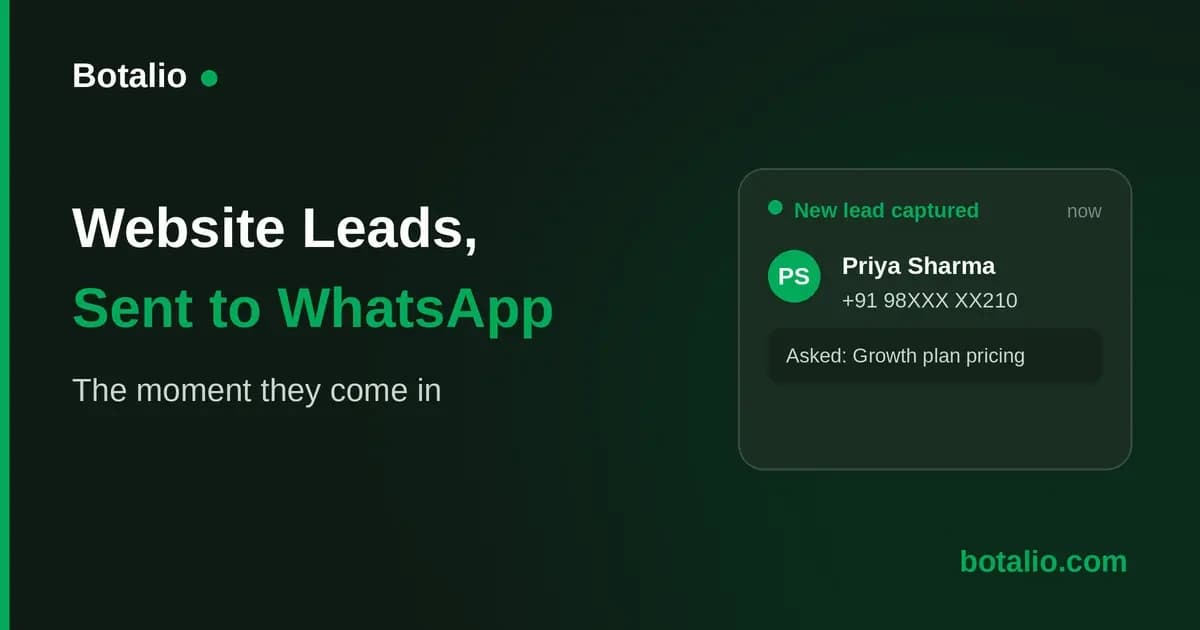
How to Get Website Leads Into WhatsApp
Here is a scenario every Indian small business knows. Someone visits your website, shows real interest, maybe even leaves their number, and you find out about it hours later, or the next day, or never. By the time you follow up, they have gone cold or gone elsewhere. Meanwhile, the one app you check every few minutes, WhatsApp, sat silent, because nothing connected your website to it.
That gap is fixable, though not with a single toggle. A website chatbot can capture the lead the moment it happens, and a webhook can hand that lead to an automation tool that puts it into WhatsApp for you. This guide covers what each piece does and how to set it up, without a developer.
The short answer
You need three things working together: a chatbot that captures the visitor's name and number, a webhook that fires the moment a lead comes in, and an automation tool such as Zapier or Make that turns that webhook into a WhatsApp message. The chatbot does the hard part. The webhook and automation tool do the plumbing.
What you actually need
Getting a lead from your website into WhatsApp is really three jobs, not one.
- Capturing the lead on your website. A contact form does this poorly, most visitors never fill it in. A far better approach is a chatbot that answers the visitor's question first and collects their name and number naturally inside the conversation. We explained why this converts so much better in our guide on lead capture without forms.
- Firing a webhook the instant that happens, carrying the lead's name, phone, email if given, and a link to the full conversation.
- Turning that webhook into a WhatsApp message, using an automation tool such as Zapier or Make sitting between the chatbot and WhatsApp.
Skip any one of the three and the chain breaks. No capture means nothing to send. No webhook means the automation tool never hears about it. No automation tool means the webhook fires into nothing.
Why the capture matters more than the delivery
It is tempting to focus on the WhatsApp part, since that is the payoff you can picture. But delivery is the easy half, Zapier and Make are built for exactly this kind of hand-off, and setting one up is an afternoon's work. The hard half is capturing the lead at all. A visitor with one question at 11 pm will not message you on WhatsApp unless something answers them first. Get that right and the WhatsApp routing behind it is a small, mechanical step.
The webhook approach, step by step
The full chain runs like this.
- A visitor lands on your site with a question about pricing or availability.
- The chatbot answers instantly from your content, then captures their name, phone and question.
- It emails you the alert straight away.
- A configured webhook fires at the same moment, carrying the chatbot's name, a conversation link, and the lead's name, email and phone. It does not carry the question.
- Your automation tool turns that webhook into a WhatsApp message, plus the conversation link.
- You follow up on WhatsApp while interest is warm.
Steps 1 to 3 run themselves. Steps 4 and 5 are the one time build.
What the webhook carries, and what it does not
This distinction matters, because it decides what your WhatsApp message can say. The webhook carries the chatbot's id and name, the conversation id and a link to view it, and the lead's name, email and phone. It does not carry the question the visitor asked, that only goes out in the email alert.
So a WhatsApp message built from the webhook alone can greet the lead by name and give you their number to call, but not repeat their question. For many businesses that is enough. If you want the question too, keep the email alert open alongside WhatsApp, or have your automation pull it from the conversation link.
When email alone is enough
Before building any of this, ask whether you need to. The email alert fires the instant a lead is captured, with the name, phone and the exact question, and lands wherever you already check business mail. For a solo owner who glances at email through the day, that is often speed enough.
Worth being direct about the trade-off: email is the faster of the two, since the WhatsApp route adds a hop through a third party tool before the message lands. Where WhatsApp routing earns its setup time is when your team genuinely lives there and rarely opens email, or a lead needs to reach someone out and about. If that is not you, the email alert alone will serve fine, and you can add the webhook later.
Do you need the WhatsApp Business API?
This is the question that scares people off. The email alert needs no paid API, it comes with any chatbot plan.
Routing that alert into WhatsApp through a webhook depends on who it is for. Sending it to yourself through your own Zapier or Make account is usually simple, with no WhatsApp Business Platform sender required. Messaging customers instead needs a registered sender and its own conversation based fees. Alerting yourself is the simpler side of that line.
Setting it up
Here is what actually setting this up looks like.
First, get the chatbot live. With Botalio, that means adding one line of code to your website and uploading your business information once. No developer, and it takes minutes.
Second, turn on the webhook. In the chatbot's settings there is a Webhook URL field. Paste in a URL from your automation tool and every lead capture posts a notification there instantly.
Third, build the automation. In Zapier or Make, create a flow that starts from that webhook and ends with a WhatsApp message. This is the part that takes an actual afternoon, since you are wiring two services together, but it is a one time build. After that, every future lead flows through on its own.
Frequently asked questions
How do I get website leads sent to my WhatsApp?
You need three things: a chatbot that captures the visitor's name and number, a webhook that fires the moment a lead is captured, and an automation tool such as Zapier or Make that turns that webhook into a WhatsApp message. The chatbot does the hard part, the automation does the routing.
Do I need the WhatsApp Business API for lead alerts?
Not for the email alert, that needs nothing extra. If you route the alert to yourself through Zapier or Make, that is usually the simple path too. You only need a registered WhatsApp Business Platform sender if your automation is messaging customers rather than just notifying you.
What does the webhook actually send to WhatsApp?
The webhook itself carries the lead's name, email and phone, plus a link to the conversation. It does not carry the question they asked, only the email alert does that. Most owners set their automation to send the name and number, then read the question from the email or the conversation link.
Will the chatbot message my customers on WhatsApp, or just alert me?
Just you, unless you deliberately build your automation to message customers, which is a different and more regulated job needing its own WhatsApp Business Platform sender. For lead alerts, the chatbot answers the visitor on your site, and WhatsApp is only where you, the business owner, get notified and then follow up yourself.
How fast does the WhatsApp message arrive?
That depends on your automation tool, typically seconds to a couple of minutes after the lead is captured, since the webhook fires instantly but Zapier and Make check for new events on their own schedule unless you use an instant trigger. The email alert, by contrast, always fires the moment the lead is captured.
How much does a website chatbot with WhatsApp routing cost in India?
The chatbot itself runs Rs. 0 to Rs. 8,000 a month, the same as any SaaS chatbot in India, and we cover the full picture in our guide on how much an AI chatbot costs in India. The webhook is included at no extra cost. What you pay on top is whatever your automation tool charges.
Is this difficult to set up?
Getting the chatbot live takes minutes, no developer needed. Wiring the webhook into Zapier or Make takes longer, usually an afternoon, since you are connecting two separate services for the first time. Once that automation is built, it runs on its own, so the effort is a one time cost, not an ongoing one.
The bottom line
The leads your website captures are only useful if you act on them while interest is still warm. An email alert gets most businesses there, arriving the instant a lead is captured with the visitor's name, phone and question. If WhatsApp is genuinely where your team lives, a webhook and an automation tool can put a name and number there too, with the full question a click away in the conversation.
Either way, the chatbot that captures the lead in the first place is the part that matters most, everything downstream depends on it. Botalio is built to do that part well: trained on your own content, live in minutes with no developer, with an instant email alert on every captured lead and a webhook you can point at Zapier or Make if you want WhatsApp too. You can see what is included on the pricing page, or reply with your website link and we will build you a free demo trained on your own content, so you can watch it capture a lead before you decide anything.